Chapter 11 of 20 · 3 min · 55% through
The reading experience
The part that is actually the product
Everything else in this book is machinery. This chapter is about the only thing a reader ever experiences: what it is like to read an article.

Typography
One column, a measure that keeps lines in the range the eye tracks comfortably, and a type scale that moves in deliberate steps rather than by whatever looked right at the time.
Headings use a display face; body text uses a text face tuned for reading at small sizes; code uses a monospace face. On most systems these resolve to faces already installed, which means the page renders in its intended typography immediately rather than after a font download — and never flashes from one to another.
Theme
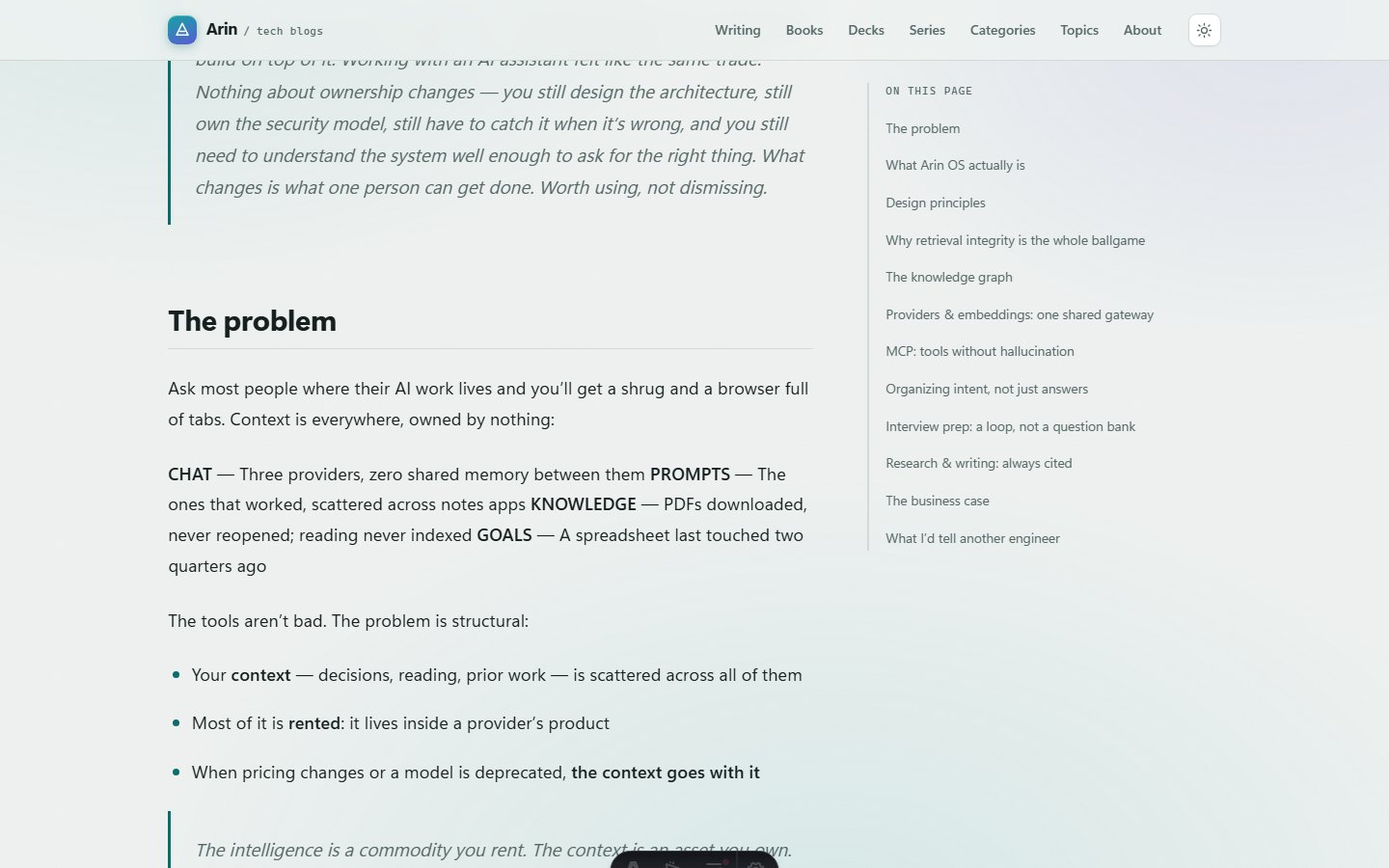
Light and dark, chosen by the reader with the toggle in the header and remembered per browser.
The choice is resolved before the first paint, so a reader who prefers dark never sees a white flash before the page catches up. Light is the default rather than following the operating system, which is a deliberate editorial choice: I would rather everyone lands on the same ground and changes it if they want to.
The contents rail
On a wide screen, a long article gets a contents rail alongside it, marking where you are as you read.
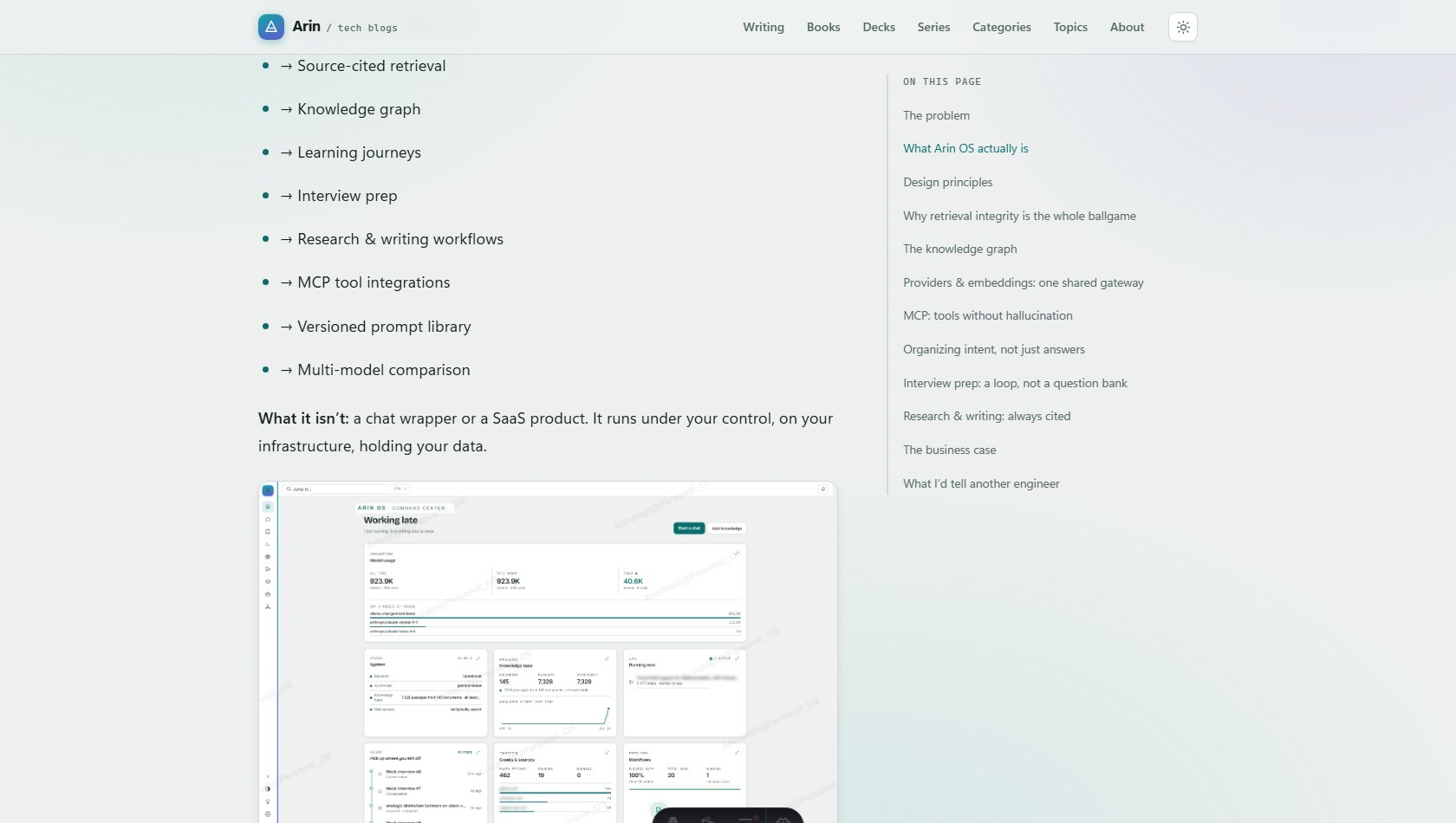
The rail is generated from the article’s own headings, so it is always accurate and never maintained by hand.
On a phone there is no room for a rail beside the text, and stacking a contents list on top of the article puts a wall between the reader and the first sentence. So on narrow screens the contents become a button, and the panel opens over the article without moving it.
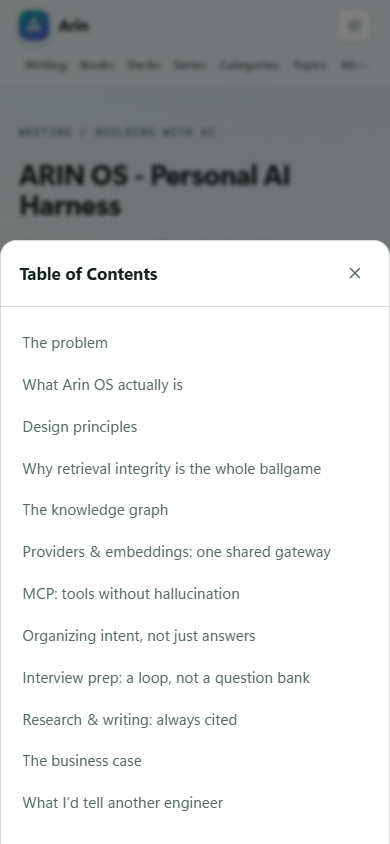
That “without moving it” is the detail that took the longest to get right. Opening a panel that shifts the article underneath means losing your place at the exact moment you were trying to find it.
Small screens generally
Every page is built to work at phone width first, and the site is checked at a dozen device sizes in both themes as part of its tests — including the specific check that nothing ever scrolls sideways, which is the failure that makes a page feel broken faster than anything else.
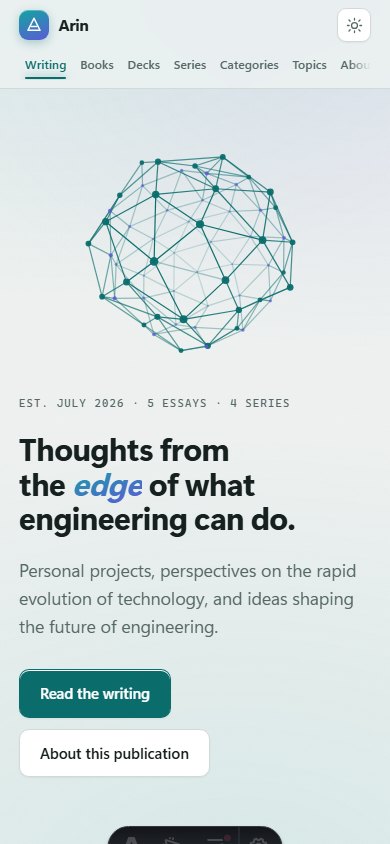
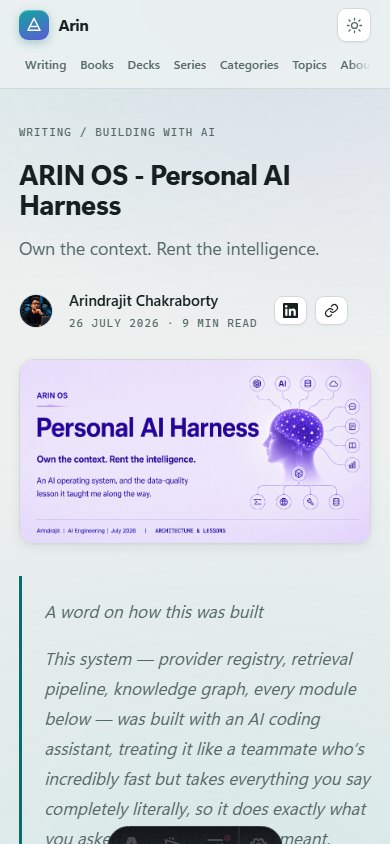
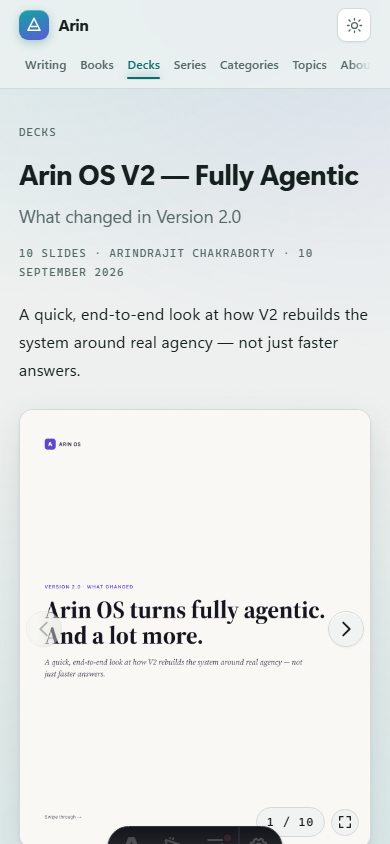
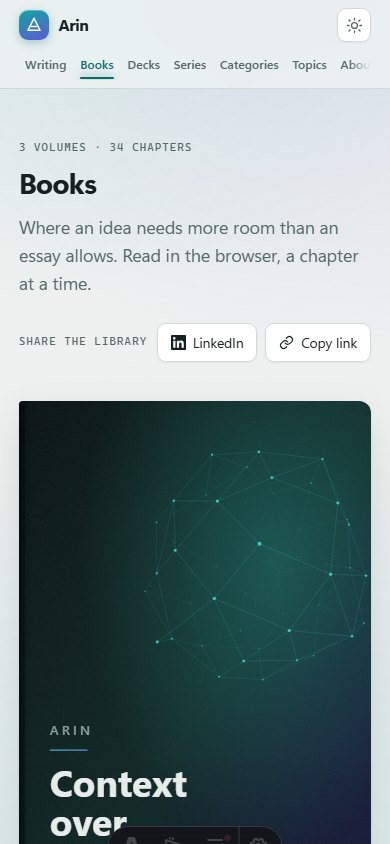
The navigation is the interesting case. As the publication grew from four sections to seven, the header could no longer fit them beside the wordmark on a phone. Rather than shrinking the type until it was unreadable, the navigation takes its own full-width row and scrolls horizontally, with a soft fade at the edge to say there is more.
Sharing
Every article, book, deck and listing carries a share control — a direct share to the professional network most of this writing is read on, and a copy-link button.
They are the same component everywhere, which means one place to fix when a network changes its URL format, and one behaviour for a reader to learn.
When something is missing
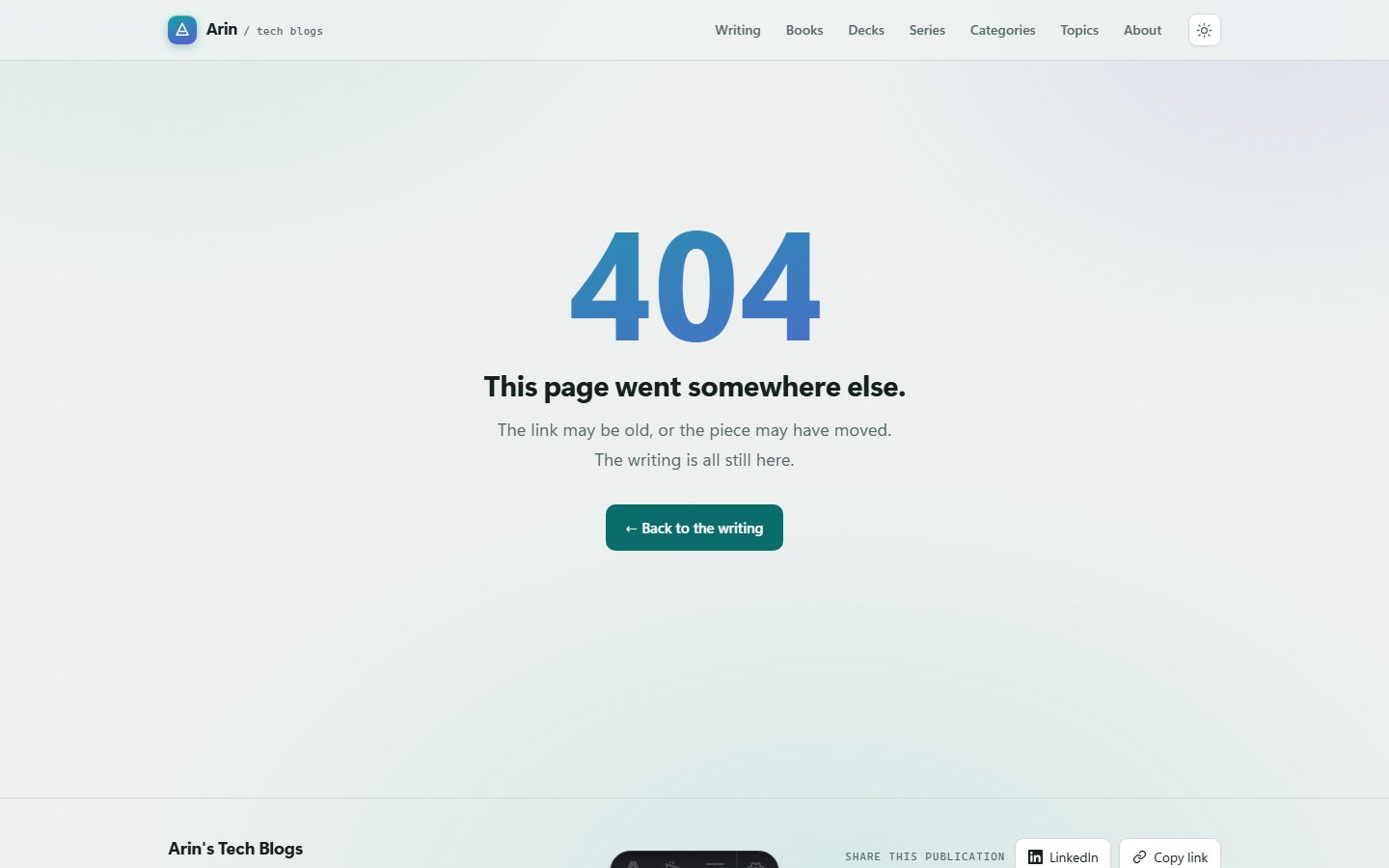
Unknown routes return a real 404 status as well as a friendly page. A page that looks like an error but returns “OK” is worse than useless — search engines will happily index it.